
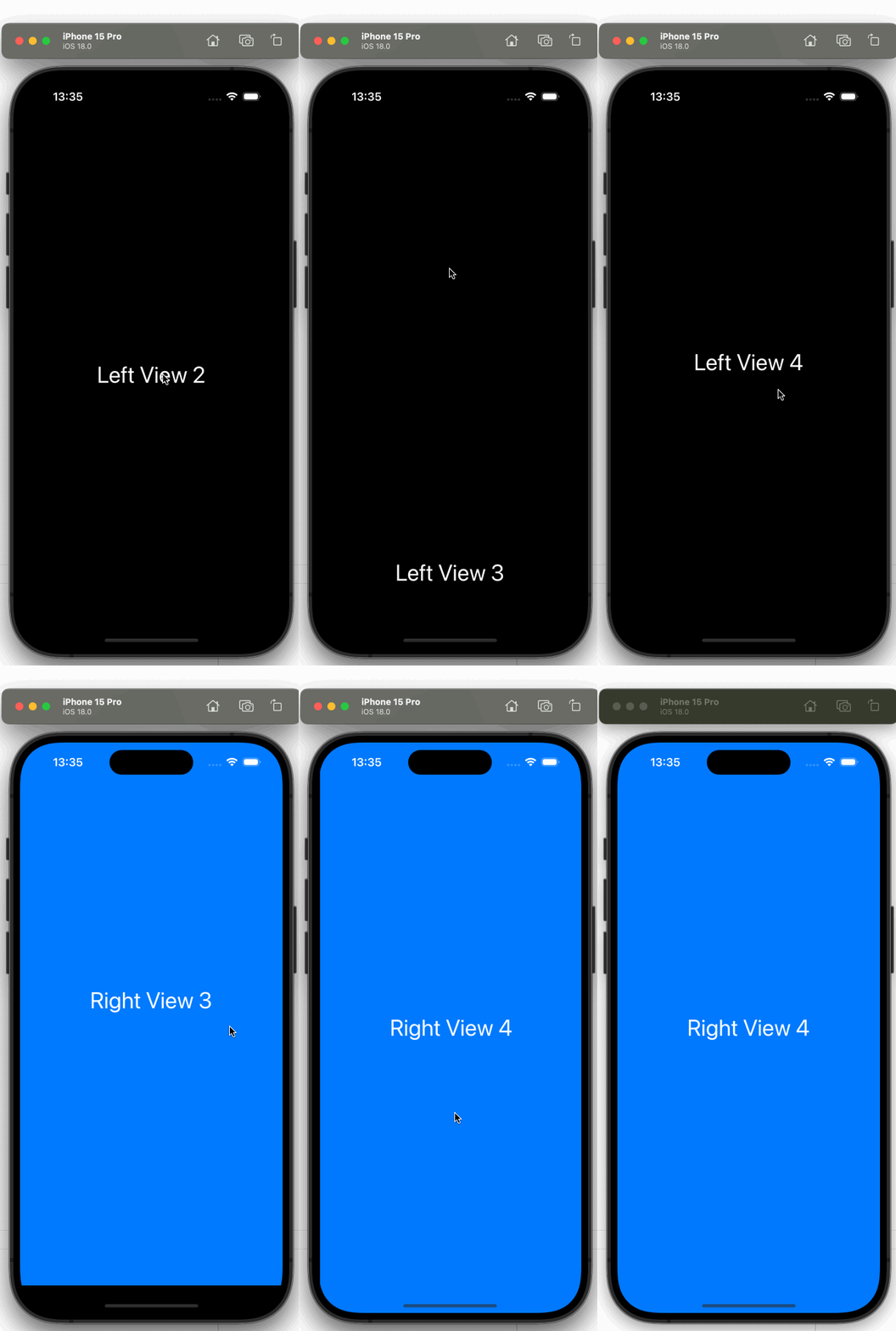
想要实现一个上下分页滑动,左右分页滑动的交互效果
 var body: some View{
  ScrollView(showsIndicators: false){
            LazyVStack(spacing:0){
                ForEach(1...10, id: \.self){ index in
                    ScrollView(.horizontal,showsIndicators: false){
                        LazyHStack(spacing:0){

                            VStack {
                                Text("Left View \(index)")
                                    .font(.system(.largeTitle))
                                    .foregroundStyle(.white)
                            }
                            .frame(maxWidth: .infinity, maxHeight: .infinity)
                            .background(Color.black)
                            .containerRelativeFrame([.horizontal,.vertical])


                            VStack {
                                Text("Right View \(index)")
                                    .font(.system(.largeTitle))
                                    .foregroundStyle(.white)
                            }
                            .frame(maxWidth: .infinity, maxHeight: .infinity)
                            .background(Color.blue)
                            .containerRelativeFrame([.horizontal,.vertical])

                        }.scrollTargetLayout()
                    }
                    .ignoresSafeArea()
                    .containerRelativeFrame([.horizontal,.vertical])
                    .scrollTargetBehavior(.paging)
                    .onAppear(perform: {
                        UIScrollView.appearance().bounces = false
                        UIScrollView.appearance().alwaysBounceVertical = false
                        UIScrollView.appearance().alwaysBounceHorizontal = false
                    })
                }
            }.scrollTargetLayout()
        }
        .ignoresSafeArea()
        .containerRelativeFrame([.horizontal,.vertical])
        .scrollTargetBehavior(.paging)
}
目前用这种方式实现,但是有个问题,滑动到 RightView 可以上下滑动到下一层,有什么办法在滑动到 RightView 时只允许左滑回 Left View


 Select Language